Learn to draw app with an AI coachLearn todraw
Real pencil, real paper, one small step at a time. Snap a photo of your drawing and Graphite's coach tells you exactly what's working and what to fix.
iPhone & iPad · 33 languages · 3-day free trial
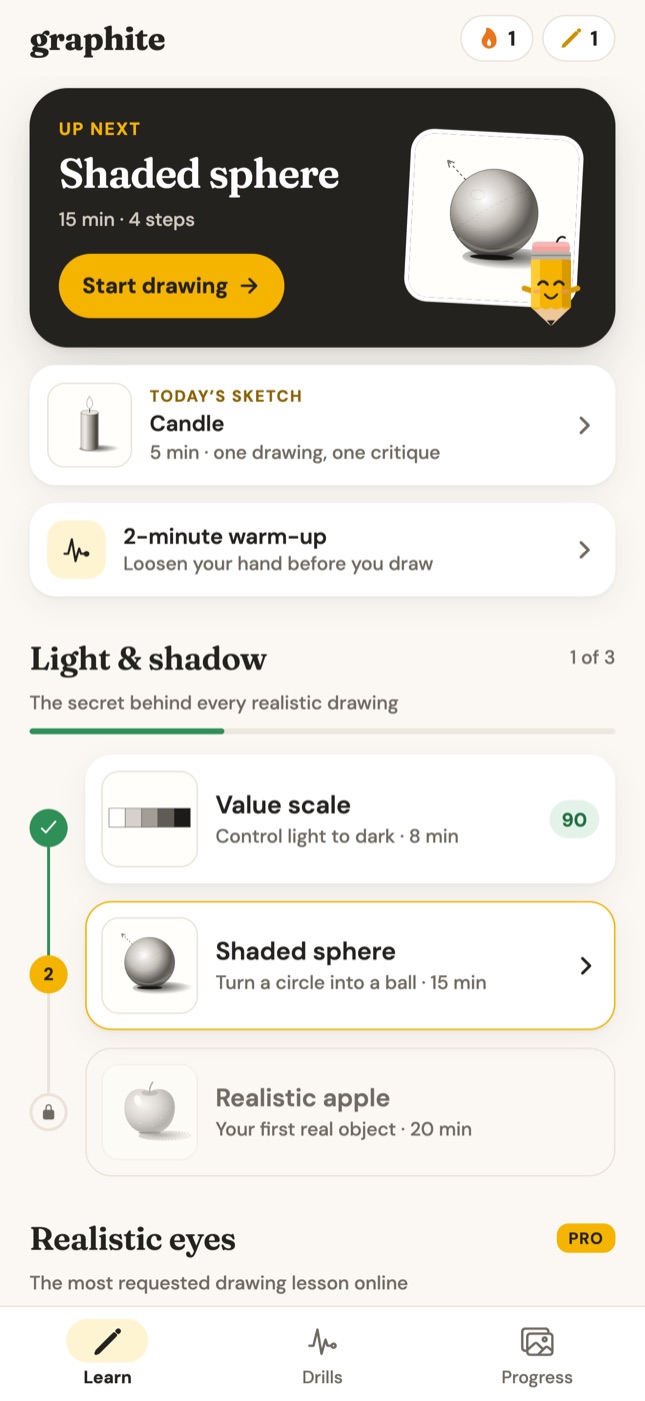

- Step-by-step pencil lessons
- AI feedback on your drawing
- A new daily sketch
- Warm-up drills
- Streaks & progress
How it works
Draw it. Snap it. Fix it.
Tutorials can't see your drawing. Graphite can: every step ends with a photo of your own paper and feedback on that exact drawing.
1
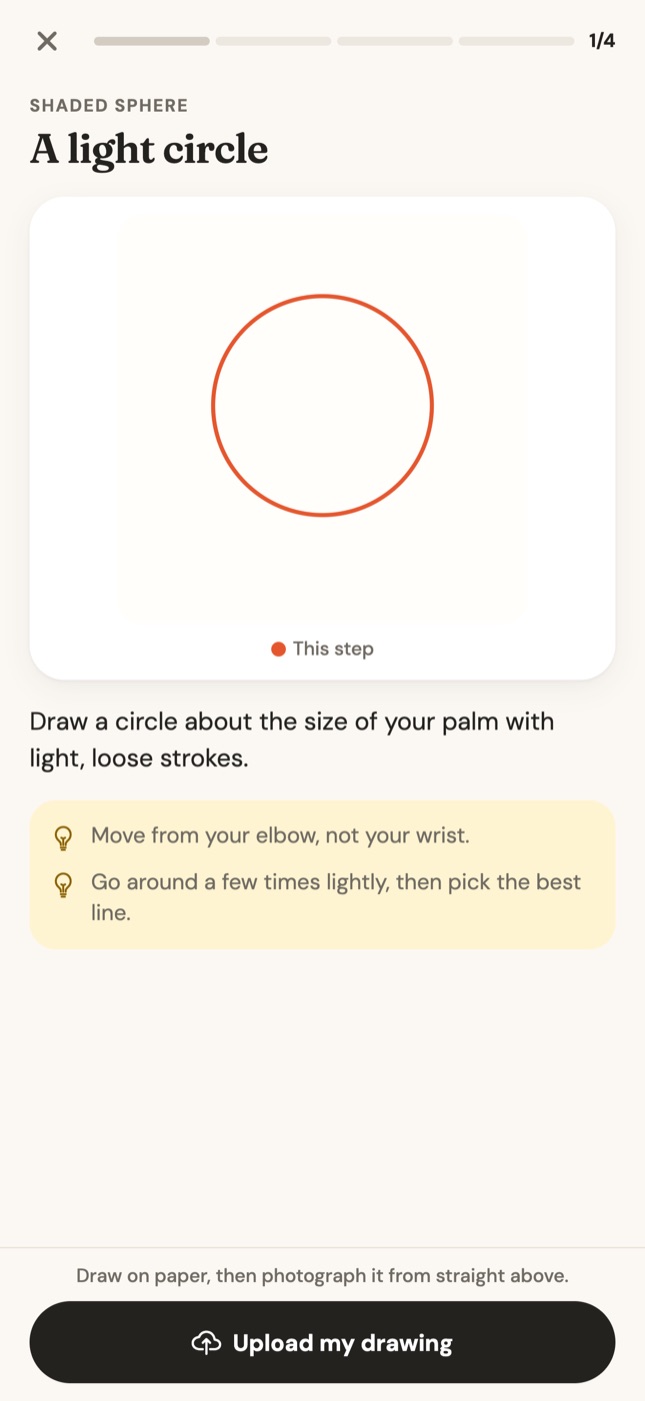
Follow one small step
A hand-drawn guide shows what to add next in orange, with a short instruction and tips. One step per screen, never a wall of text.
2
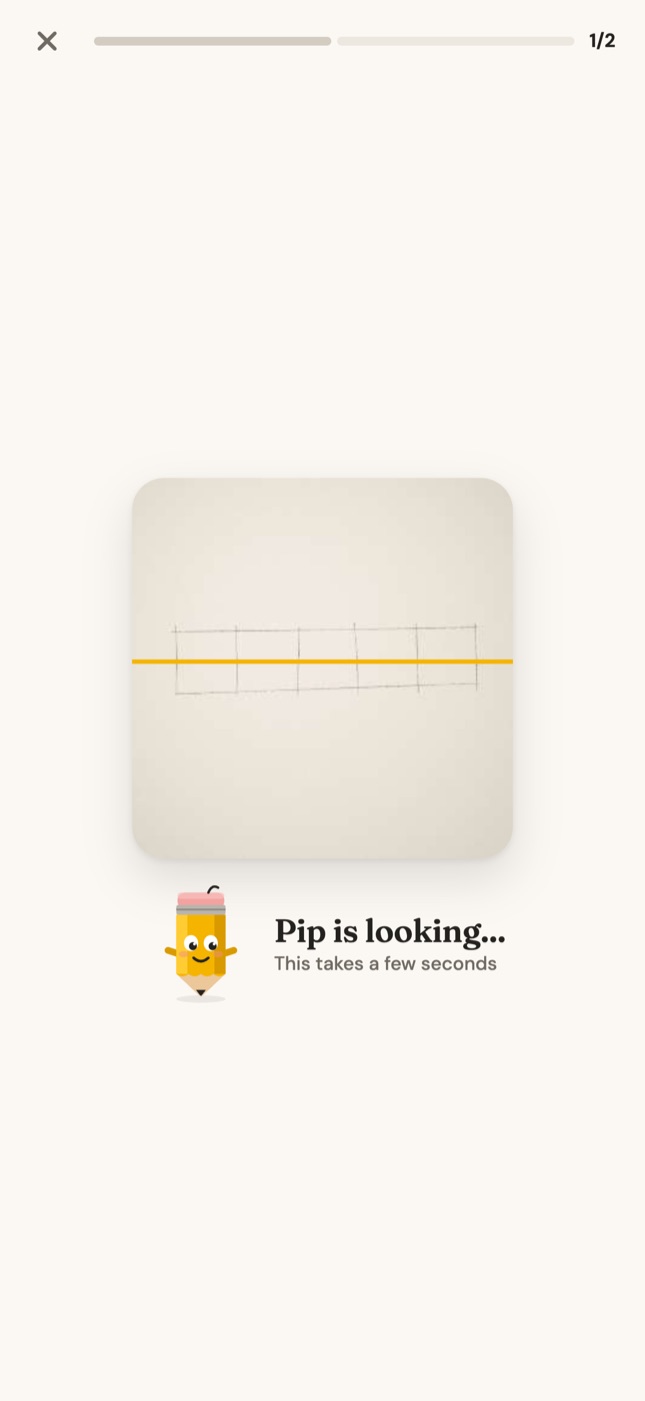
Draw on paper, snap a photo
Use any pencil and paper. Photograph your drawing from straight above and Pip, the coach, takes a look.
3
See what to fix
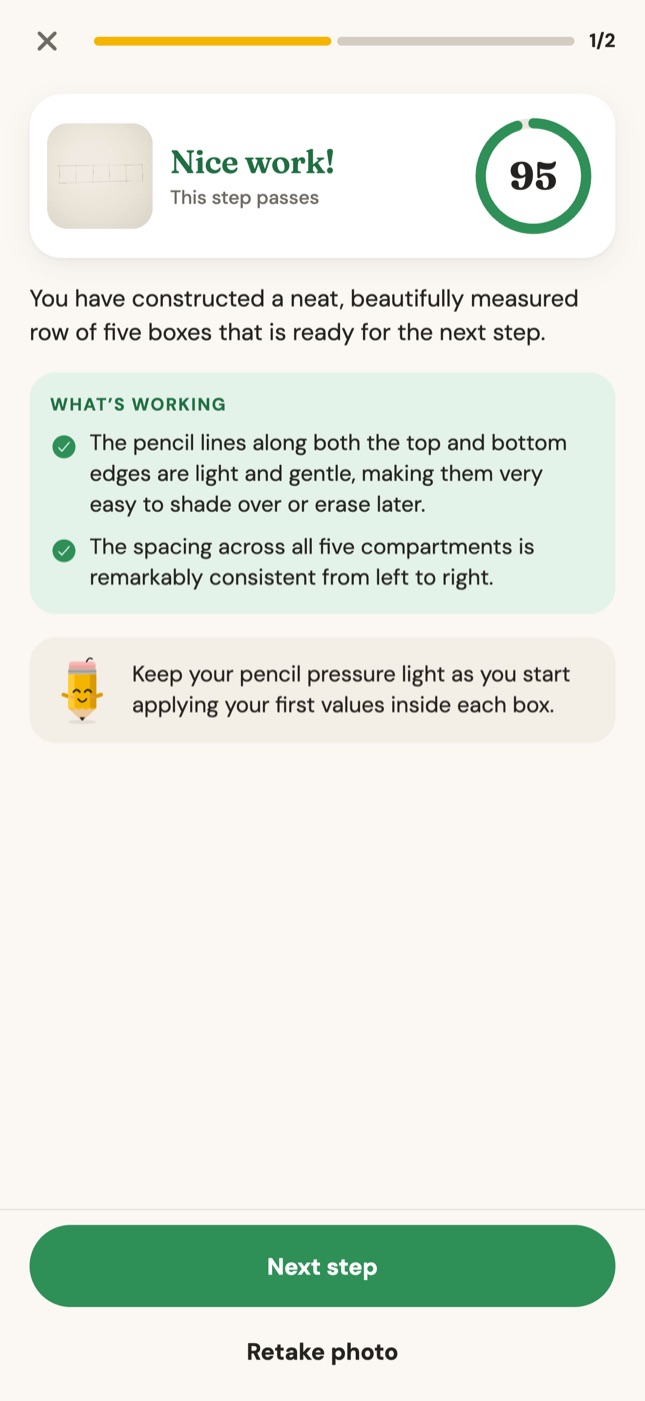
Get a score, what's already working and up to two fixes, each one a concrete action for your pencil. Retake or move on.
Step-by-step lessons
Step-by-steplessons
From your first circle to realistic eyes. Short lessons built around the skills that make drawings look real: value, light and shadow, form and proportion.
Light & shadow
The secret behind every realistic drawing.
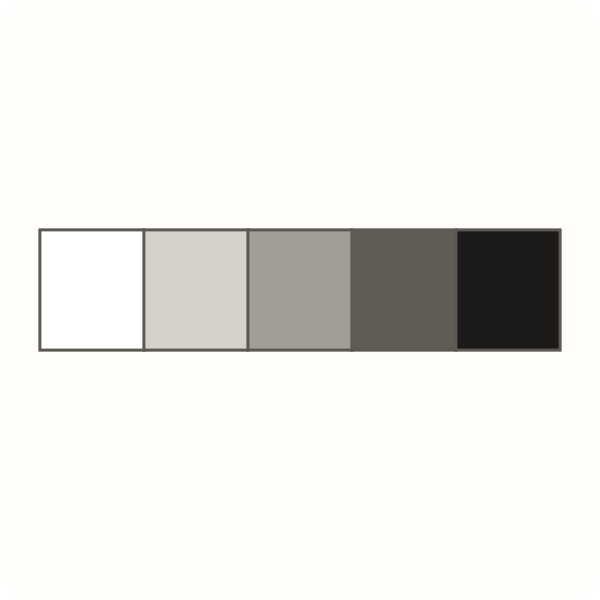
Value scale · 8 min
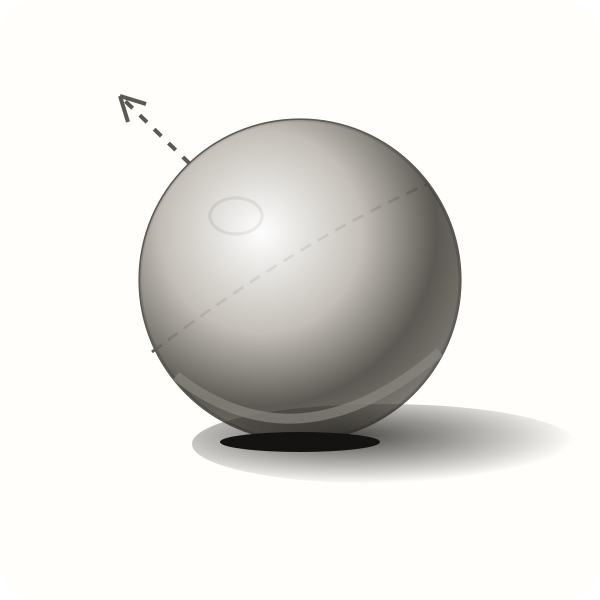
Shaded sphere · 15 min

Realistic apple · 20 min
Realistic eyes
The most requested drawing lesson online.
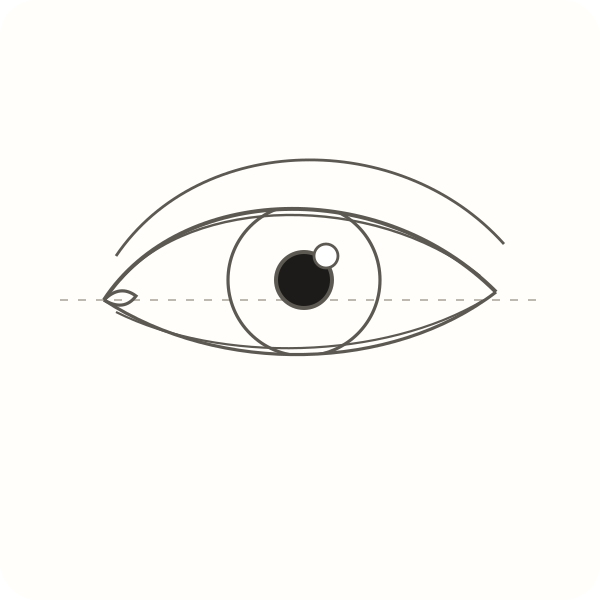
Eye shape · 15 min
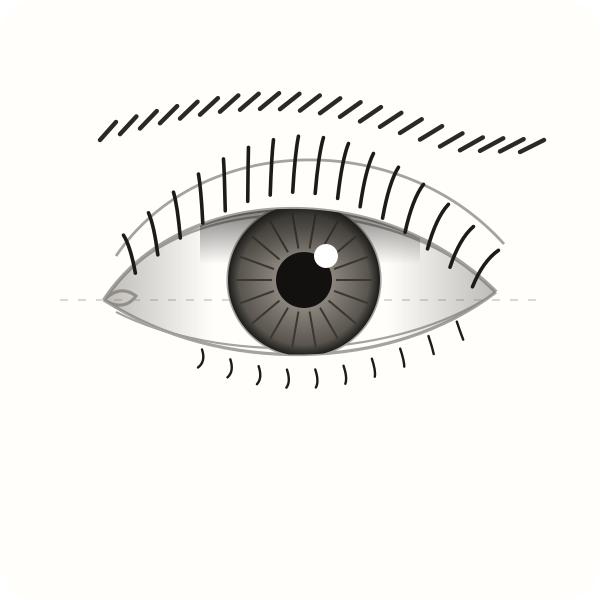
Shading the eye · 20 min
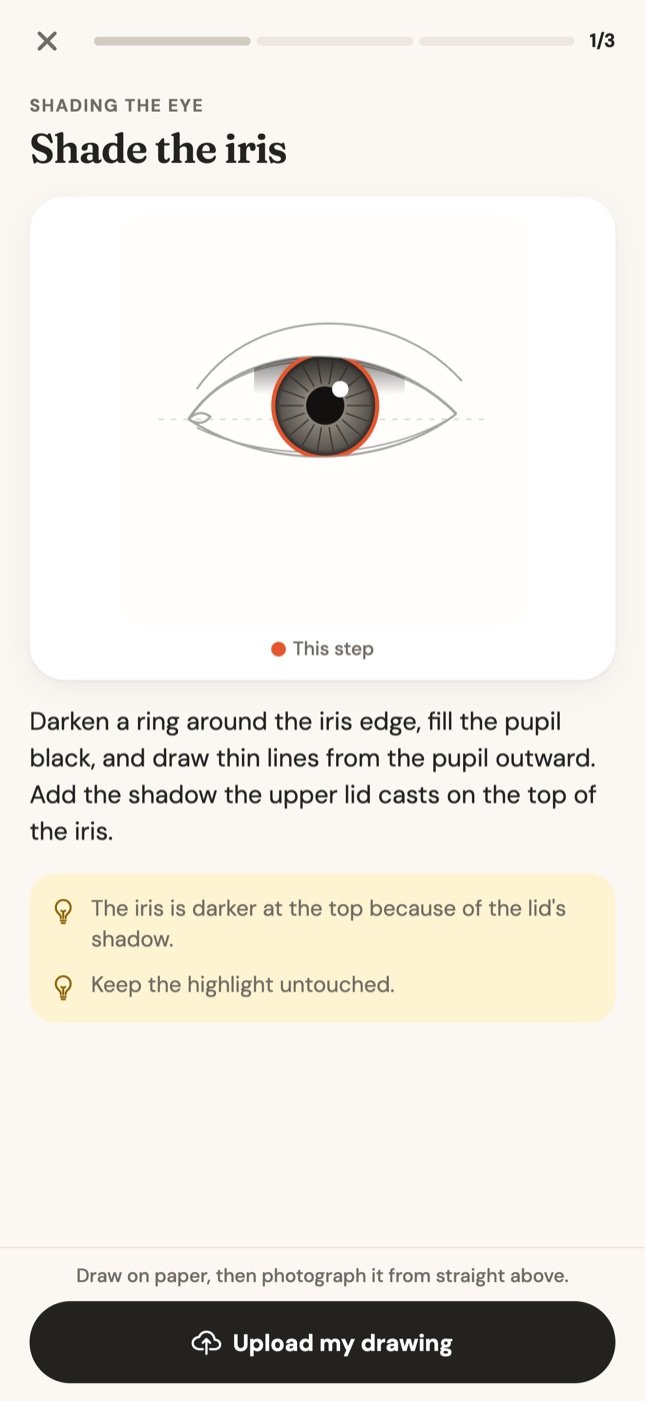
AI drawing coach
Know whatto fix
Your photo, checked against exactly what this step asks for. The coach ignores what you haven't learned yet, so you're never nagged about shading while you're still drawing the outline.
- A score out of 100: 60 or more passes the step
- What's already working, so you keep doing it
- Up to two fixes, written as problem → what to do
- Blank or blurry photos don't count against your critiques

Nice work!
This step passes
You have drawn an exceptionally neat, light, and beautifully balanced circle.
What's working
- The curvature is remarkably even all the way around with no flat spots.
- Your pencil pressure is delicately light and uniform from start to finish.
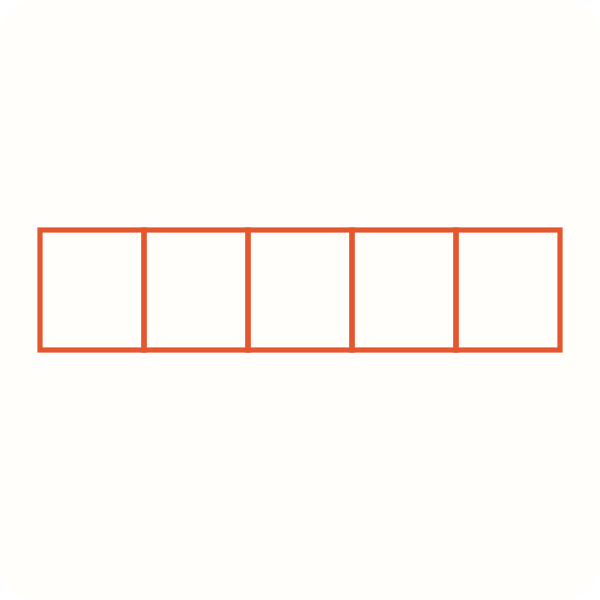
Almost there
One more try will get it
There are only four boxes here, and box two and box four are wider than boxes one and three.
Erase the dividing lines, measure the full width into five equal parts, and redraw four dividers.
Before drawing dividers, mark small light tick marks along the line to check box widths first.
Real feedback from the Graphite coach on two practice steps.
Before & after
From first try to “that looks real”
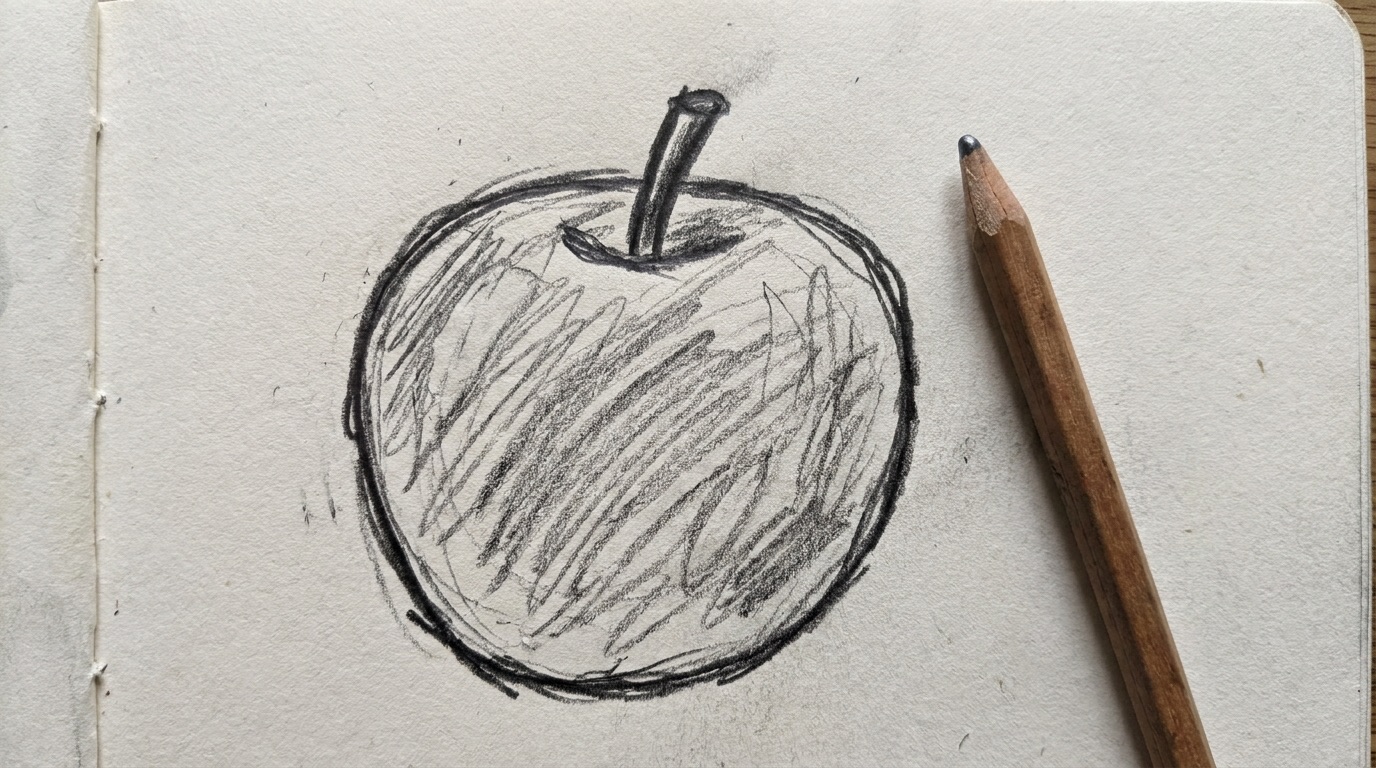
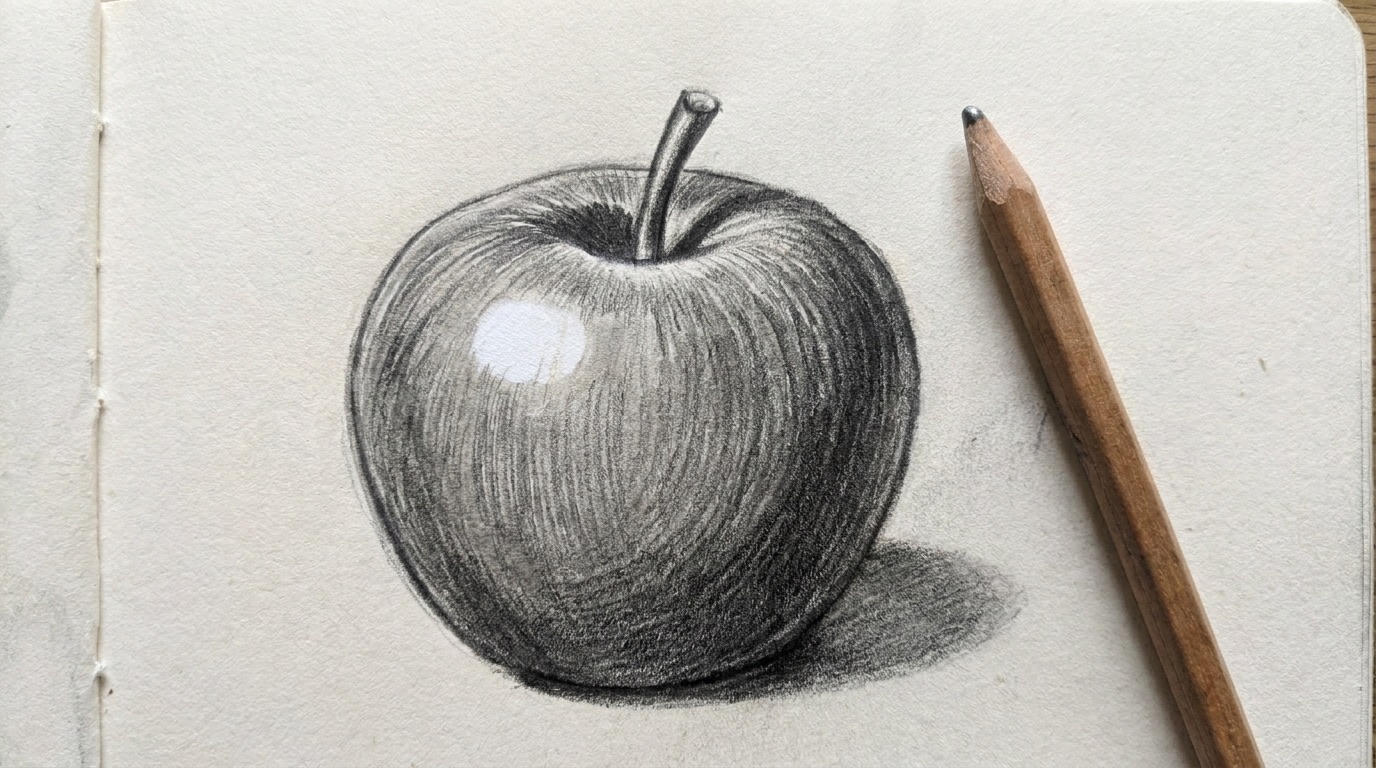
Most beginner drawings look flat for the same few reasons: shadows in the wrong place, no highlight, outlines too dark. Fix those one at a time and the jump is big.
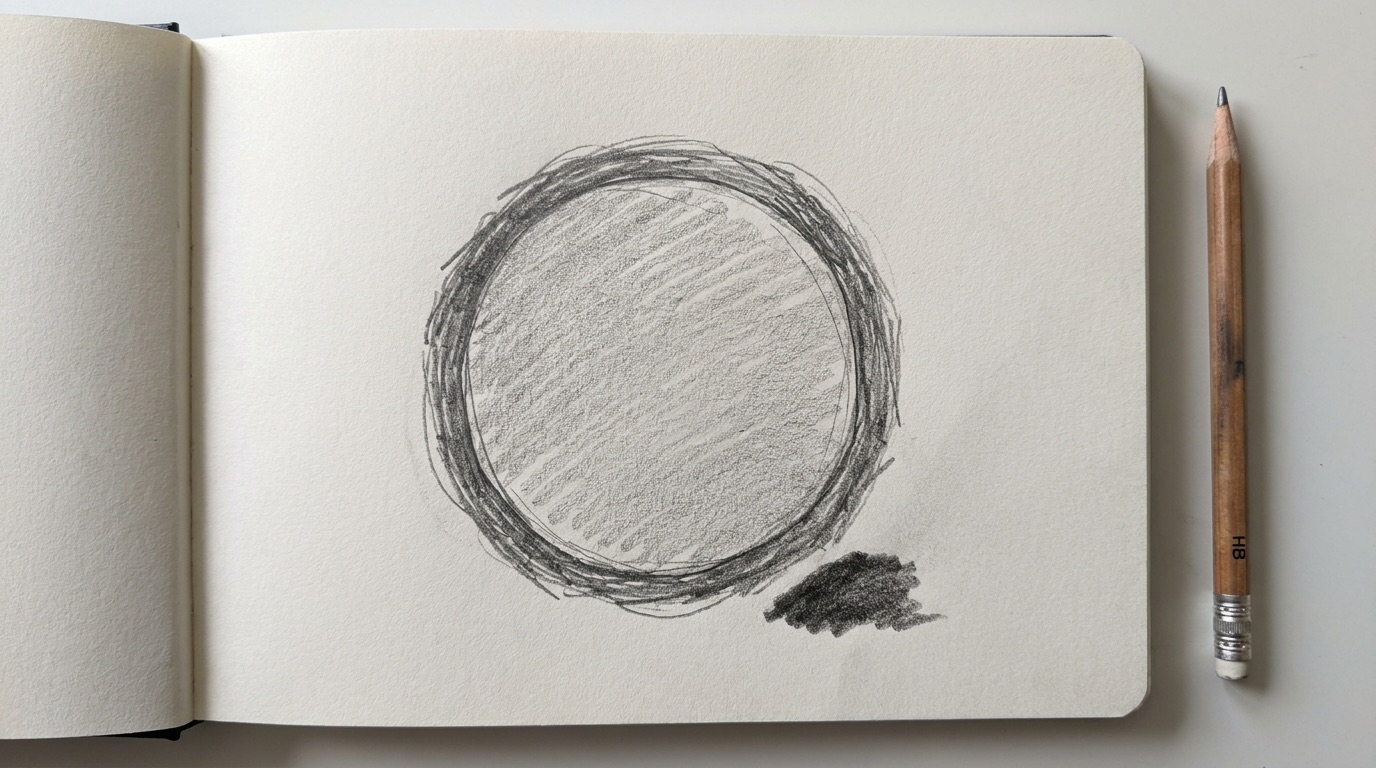 First try
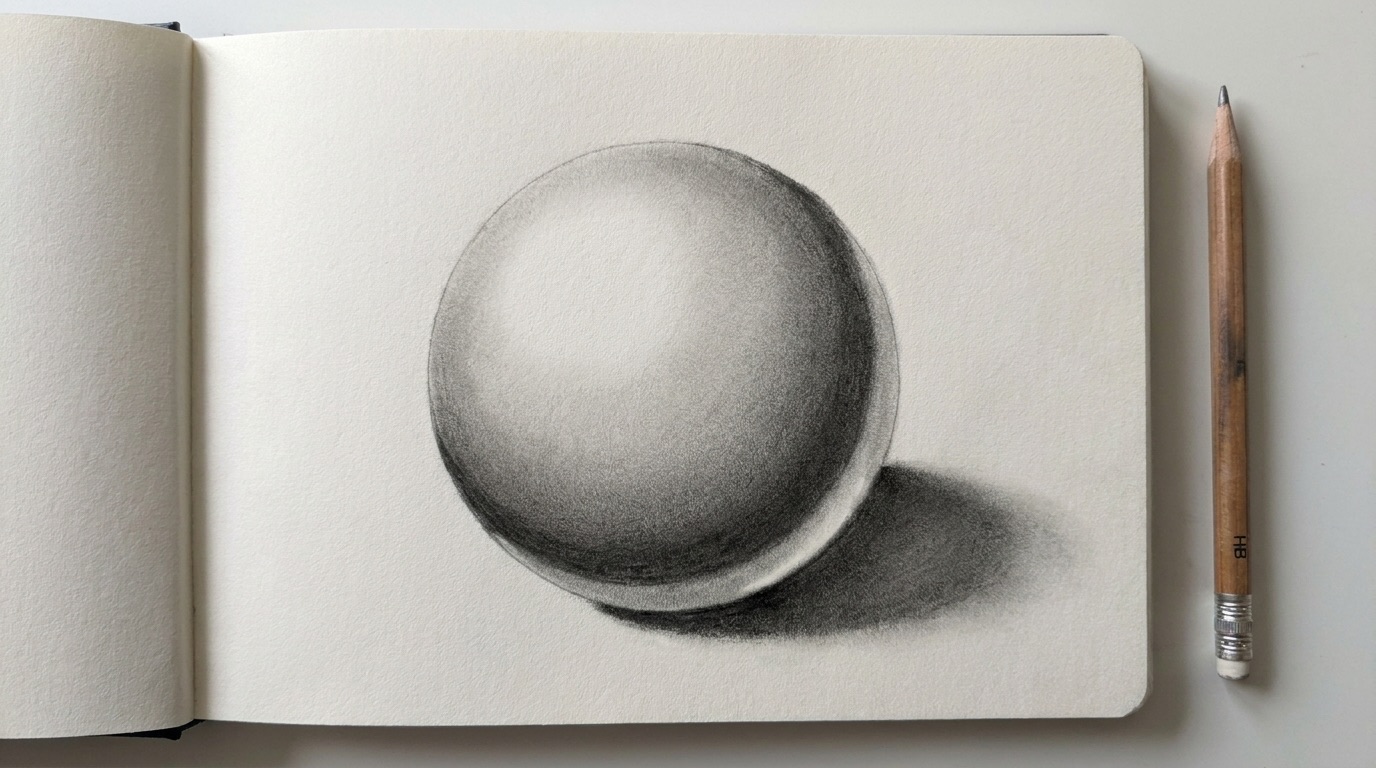 After the fixes
Shaded sphere
Core shadow moved inside the edge, highlight kept white, cast shadow added.
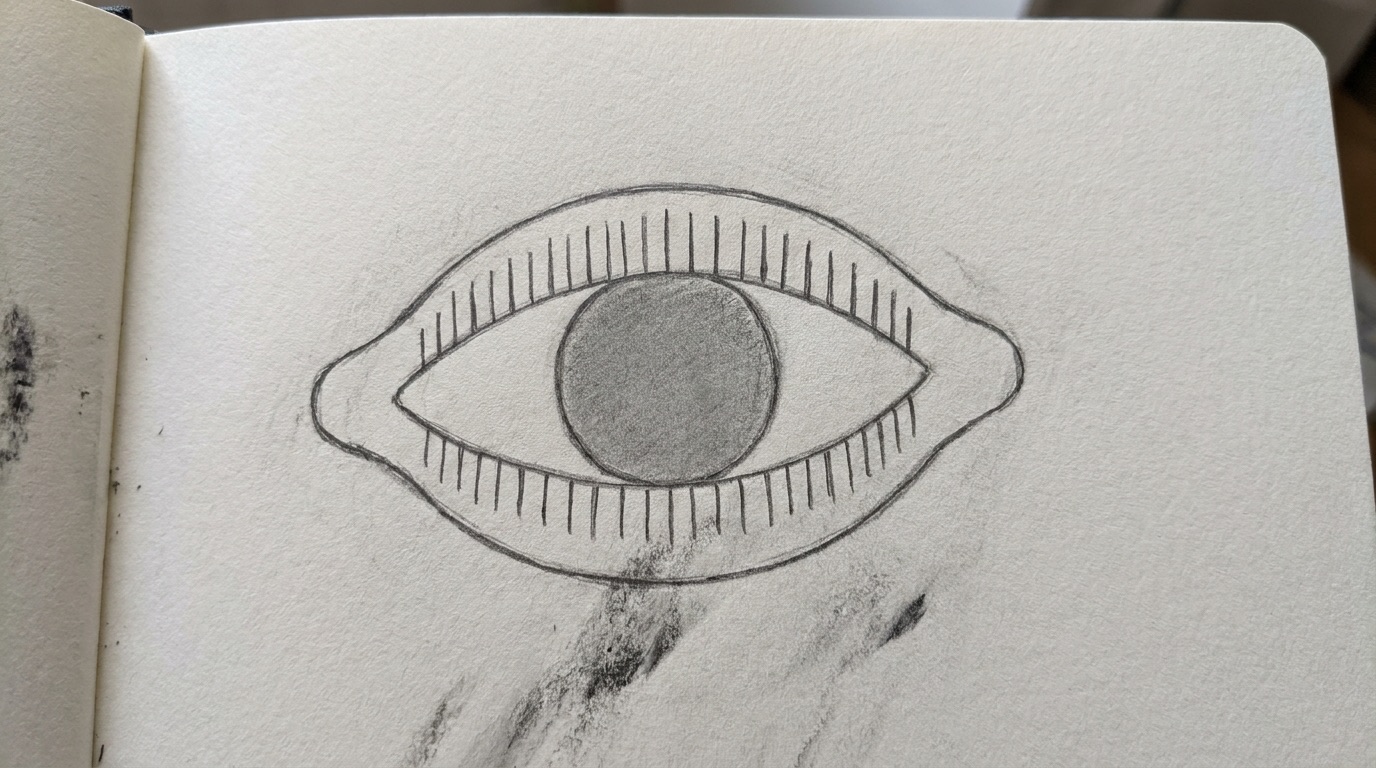 First try
 After the fixes
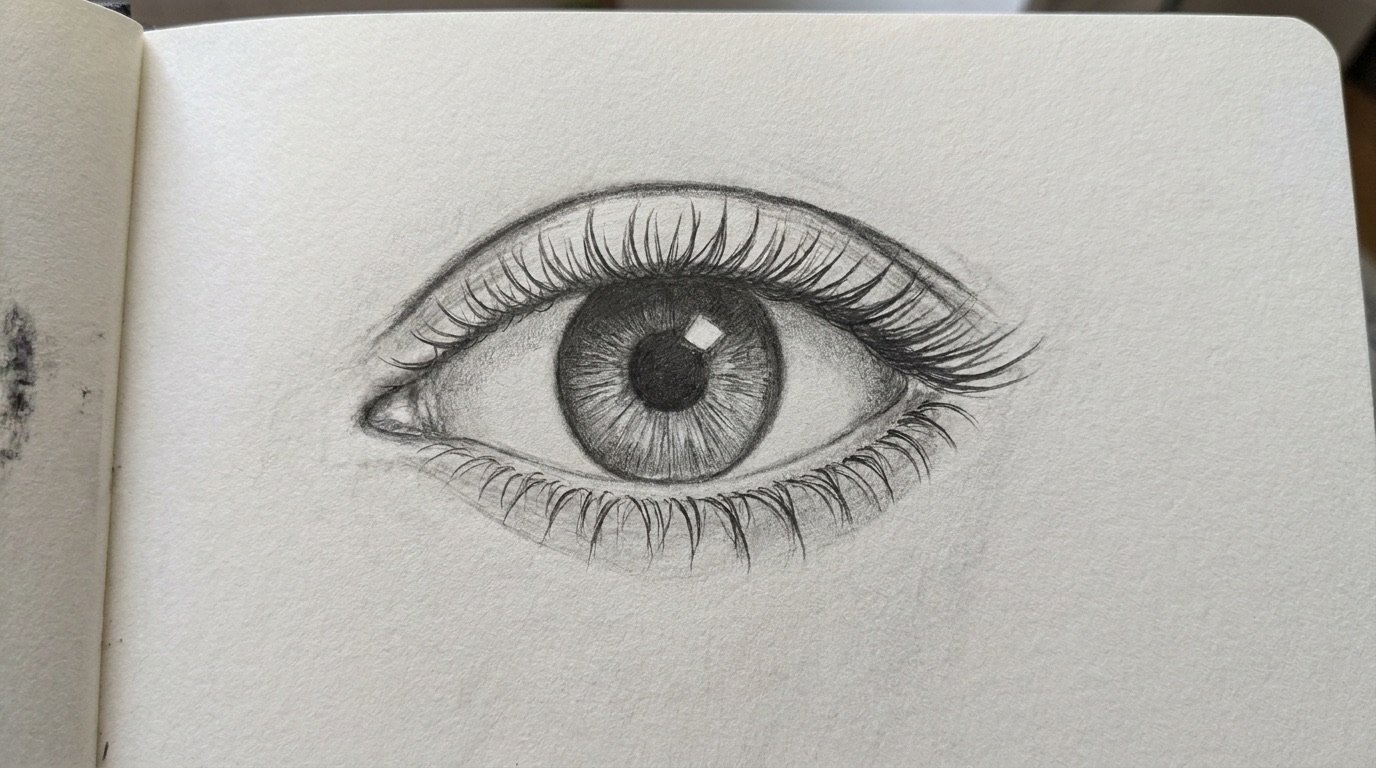
Realistic eye
Lid overlaps the iris, iris darker at the top, lashes curve and clump.
 First try
 After the fixes
Apple
Strokes wrap the form, light from the top left, shadow under the stem.
Illustrative example drawings, not customer results.
Daily sketch
A new dailysketch
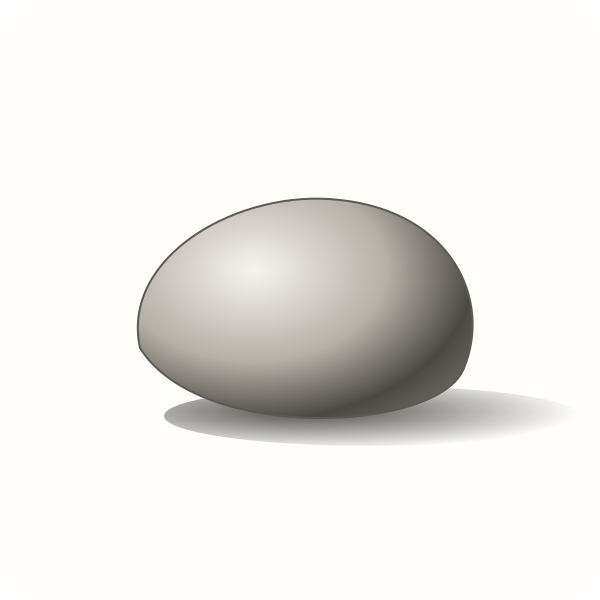
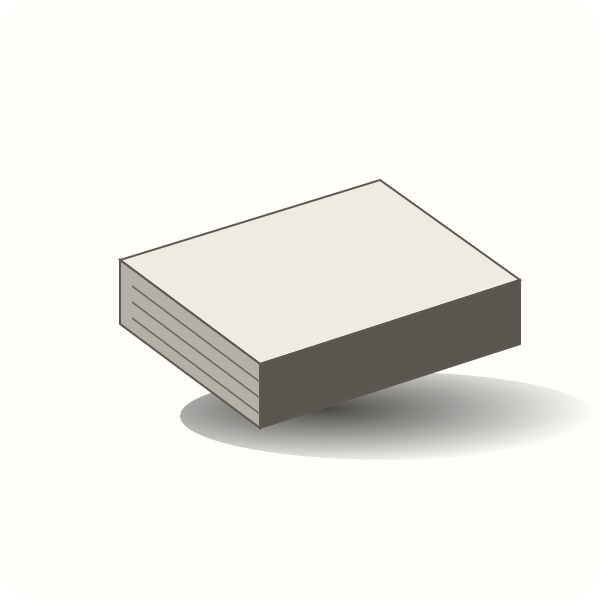
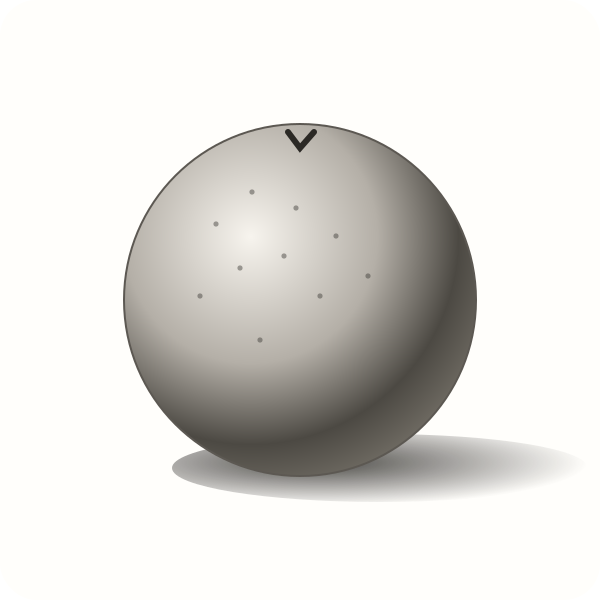
A fresh subject to draw every day, with a reference, one instruction and a critique. Five minutes is enough to keep your hand in.
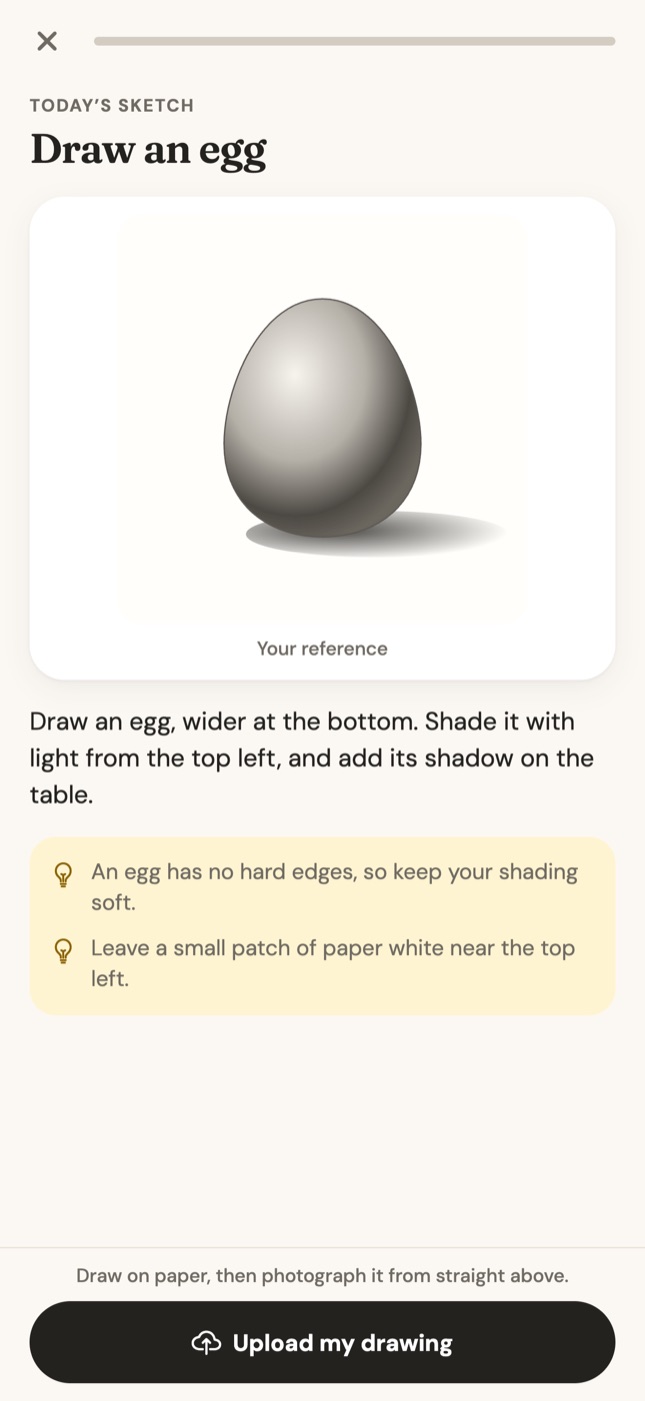

Egg

Pear

Mug
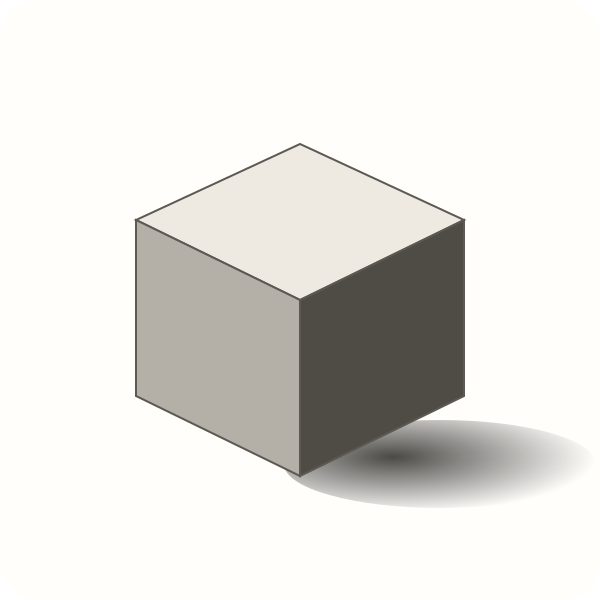
Cube
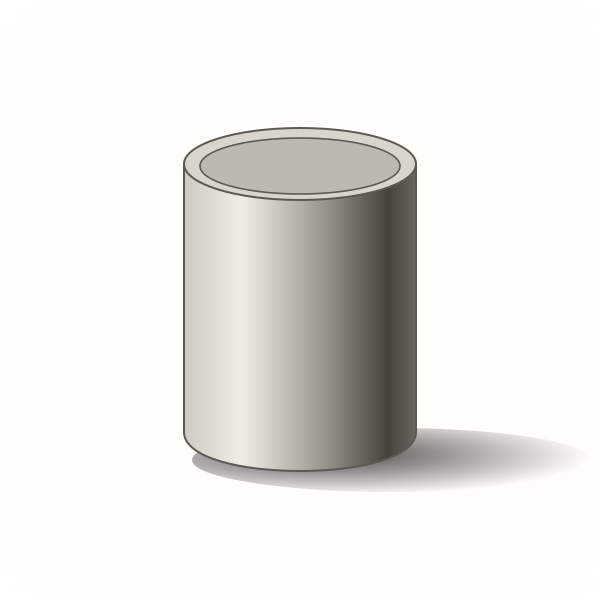
Can
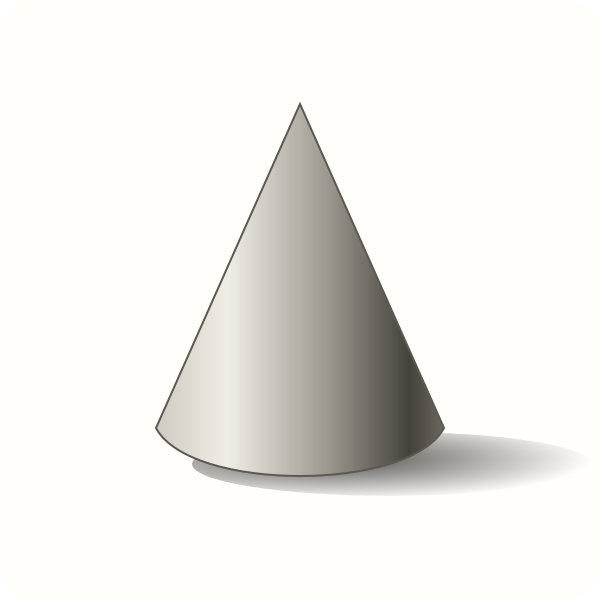
Cone
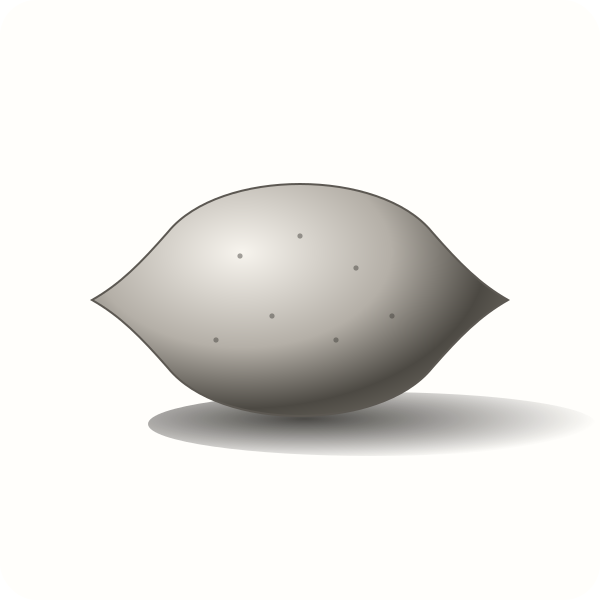
Lemon
Pebble

Cherries

Bowl
Book
Orange

Mushroom

Candle
Warm-up drills
Loosen your hand in two minutes
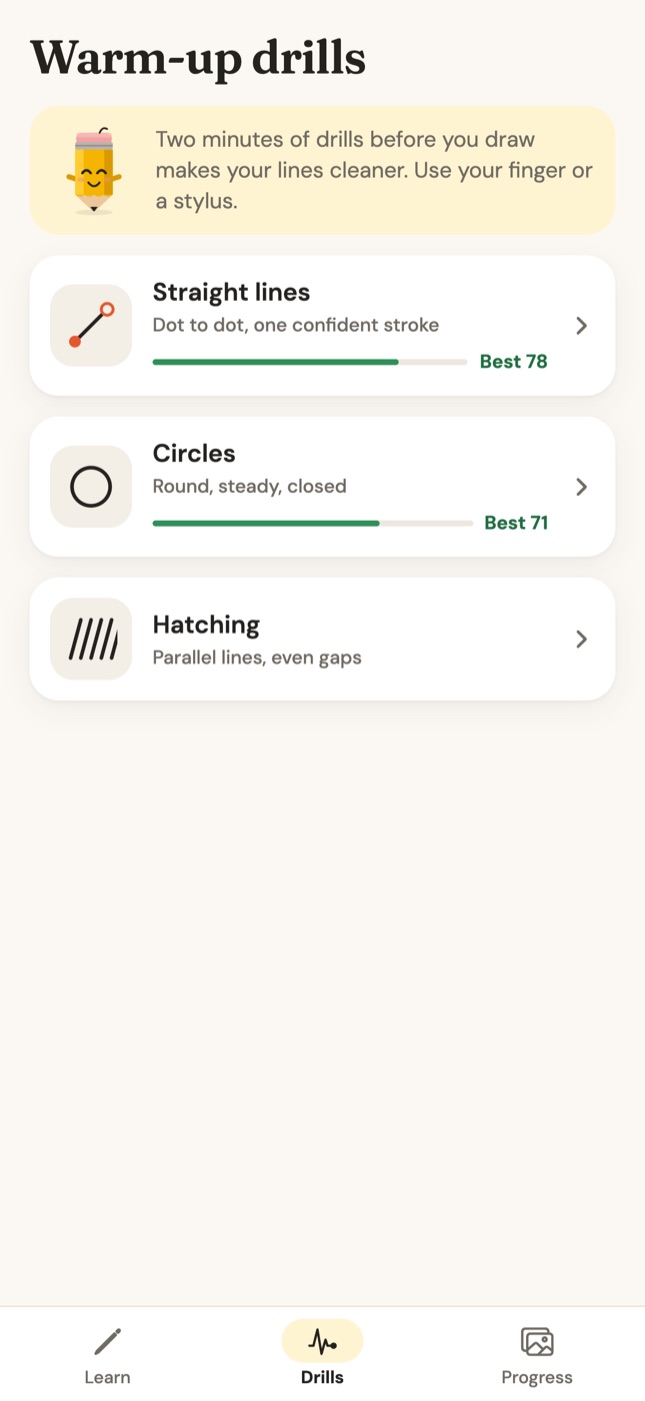
Draw with your finger or a stylus right on the screen: straight lines, circles and hatching, scored on your device. A good warm-up before you pick up the pencil.
- Straight lines: get to one confident stroke
- Circles: round, closed, steady
- Hatching: parallel lines, even gaps
Your progress
See yourprogress
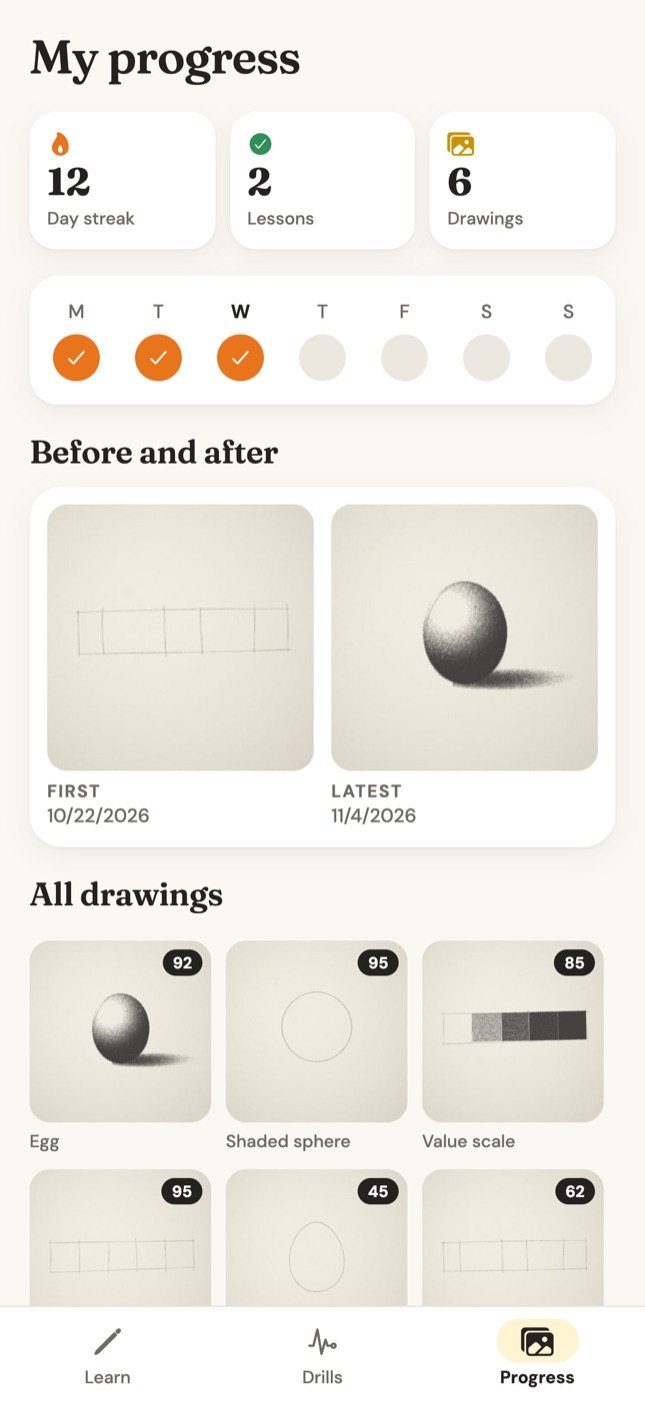
Every drawing is saved with its score, so you can put your first attempt next to your latest. A gentle daily streak helps a few minutes a day become a habit.
- Before & after view
- Every drawing with its score
- Daily streak and week view
Graphite Pro
Everything you need to learn, in one subscription
- Every lesson and track
- The daily sketch
- Warm-up drills
- Up to 50 coach critiques a day
- No ads, ever
Yearly
$49.99 / year
Includes a 3-day free trial
Weekly
$4.99 / week
Cancel anytime
Graphite is free to download and needs a Graphite Pro subscription, which you can start after a short setup. US prices shown; the App Store shows the price in your country.
FAQ
Questions beginners ask
Can I learn to draw as a complete beginner?
Yes. Graphite is made for adults who have never drawn or who stopped as kids. You start with a value scale and a shaded sphere, and each lesson builds on the last, one small step at a time.
How does the AI drawing feedback work?
After each step you photograph your drawing from straight above. The coach checks it against what that step asks for and gives a score, what's working and up to two specific fixes, such as moving the core shadow inside the edge of a sphere.
Do I draw on my phone or on paper?
On real paper with a real pencil. The phone shows the step and checks your photo. Only the warm-up drills are done on the screen, with a finger or stylus.
What do I need to start?
A pencil and some paper. An HB pencil and printer paper are enough for the first lessons. A softer pencil like a 2B or 4B helps with darker shading later.
How much does Graphite cost?
Graphite is free to download and needs a Graphite Pro subscription: $49.99 a year with a 3-day free trial, or $4.99 a week (US prices). Pro includes every lesson, the daily sketch, warm-up drills and up to 50 critiques a day.
How long are the lessons?
Lessons take about 8 to 20 minutes, and the daily sketch about 5. A few minutes a day is enough to make steady progress.
Which devices and languages are supported?
Graphite runs on iPhone and iPad with iOS 15.1 or later and is available in 33 languages.
What happens to the photos of my drawings?
With your permission, your drawing photo is sent to Google's Gemini AI service to create the feedback. Your drawings are saved in your progress gallery in the app.
From the blog
Free drawing guides
Pencil drawing basics, shading step by step and easy things to draw.
100 Things to Draw When You're Bored (Realistic Pencil Ideas)
A list of 100 things to draw, grouped by difficulty: simple objects, food, home, nature, people and challenges. Great for beginners practicing pencil drawing.
AI Drawing Coach: How Photo Feedback Helps You Learn to Draw
What an AI drawing coach is, how it checks a photo of your pencil drawing, what feedback it gives, and where it helps beginners most.
Daily Drawing Practice: A 15-Minute Routine for Beginners
Build a daily drawing practice that works: a 15-minute routine with a warm-up, one focused exercise and a quick sketch, plus how to stay consistent.
How to Draw an Eye Step by Step (Realistic Pencil Guide)
Draw a realistic eye in pencil step by step: the almond shape, iris and pupil under the lid, lid thickness and crease, then shading, lashes and brow.
How to Draw for Beginners: A Step-by-Step Guide
Learn how to draw from scratch: the supplies you need, warm-ups, values, light and shadow, and your first realistic objects, in the right order.
How to Shade With Pencil: A Beginner's Complete Guide
Learn how to shade with a pencil step by step: values, light direction, layering, smooth gradients, shadows and highlights, plus the mistakes to avoid.
Your first realistic drawing is one lesson away
Grab a pencil and some paper. Graphite takes it from there, one small step at a time.
iPhone & iPad · 33 languages